
NSFAS Missing Documents 2027: How to Fix “Awaiting Documents”
Choose SA Gov Info as a preferred source, and Google will show you our SASSA, NSFAS, price and sport updates more often in Top Stories.
Button not showing? Add SA Gov Info as a preferred source on Google
Most NSFAS document problems are small: a cut-off corner, a missing signature, or last year’s form. This page lists the documents NSFAS asks for in 2027, the most common reasons they are sent back, and exactly how to fix each one.
Which Documents Does NSFAS Need for 2027?
Not everyone needs every form. Use this table to see which ones apply to you:
| Document | Who needs it | Who signs it |
|---|---|---|
| Copy of your ID | Everyone | Not signed |
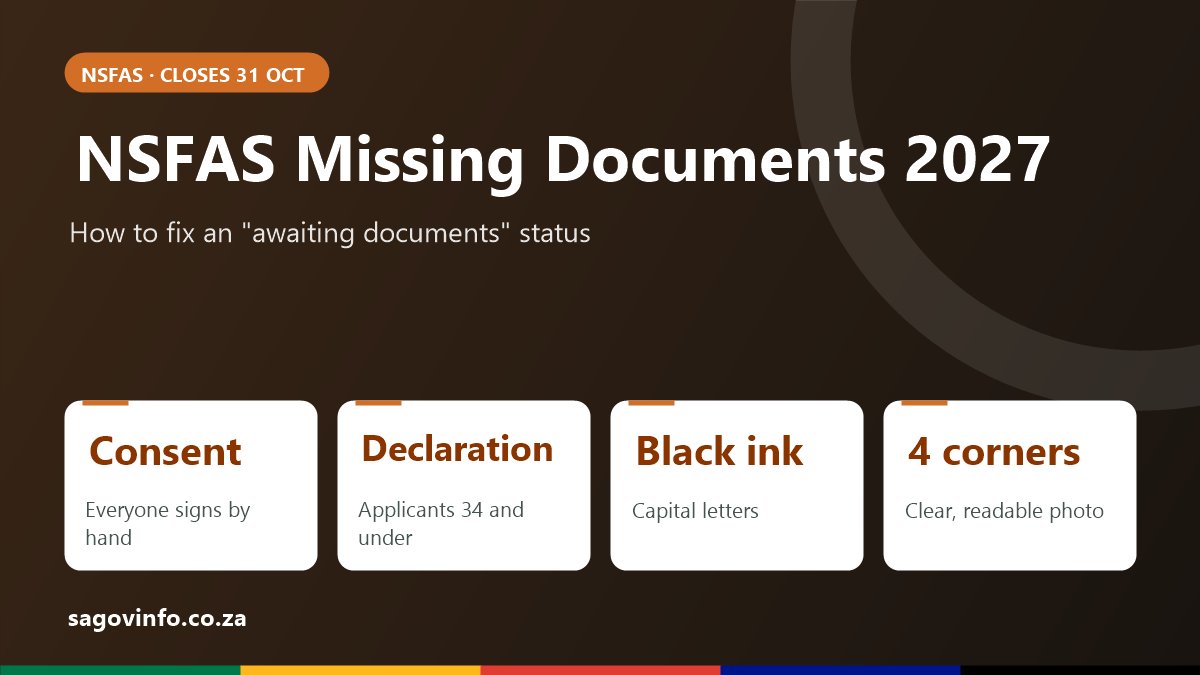
| Consent form (APP2027) | Everyone | You, and your parents, guardian or spouse |
| Declaration form | Applicants aged 34 and younger | Confirms your parent or guardian details |
| Proof of income | Where NSFAS asks for it | Not signed |
| Disability annexure | Students with a disability | You and a medical practitioner |
| Orphan and vulnerable child declaration | Applicants under 18 who are orphaned or vulnerable | A social worker or authorised official |
The official forms can be downloaded from the NSFAS 2027 applications page. For a full list with explanations, see our NSFAS required documents 2027 guide.
The consent form
The consent form gives NSFAS permission to check your details, and those of your parents, guardian or spouse, with other sources such as Home Affairs, SARS and SASSA. Without consent, your application cannot be assessed.
The disability annexure
If you are applying as a student with a disability, the annexure must be completed and signed by you and a medical practitioner. Upload it together with your medical report as one file. Uploading only the annexure, without the report, is a common reason for a document request.
If a parent has died or is unknown
The 2027 application has an option for applicants whose parent has passed away or who have never known a parent. Choose the correct option in the household section rather than leaving the parent details blank.
The 8 Most Common Reasons NSFAS Sends Documents Back
NSFAS lists these as the most common problems. Check every document against this list before you upload:
| Problem | How to fix it |
|---|---|
| A corner or edge is cut off | Retake the photo with the whole page visible and some space around it |
| Blurry, dark or glare across the text | Use daylight, hold the phone still and avoid flash on glossy paper |
| Missing signature, or an electronic signature | Print the form and sign it by hand. Electronic signatures are not accepted |
| Pencil or coloured ink used | Complete the form again in black ink |
| Correction fluid used, or a change not initialled | Start a clean form, or make sure everyone who signed initials each change |
| Last year’s form uploaded | Download the 2027 version of the form |
| Only one page of a two-page form | Upload all pages of the form |
| Names or ID numbers do not match the ID | Write names exactly as they appear on the ID document |
Complete all forms in capital letters, in black ink and in clear handwriting.
How to Upload a Missing Document on myNSFAS
- Go to my.nsfas.org.za and sign in with your username and password.
- Open your 2027 application and check the status. If it says awaiting documents, open the documents section.
- Find the document marked as required or outstanding.
- Fix the problem using the table above.
- Take a clear photo or scan. Phone photos are accepted as long as all four corners are visible and the text can be read.
- Upload the document and wait for the confirmation on screen.
- Check your status again after a few days to make sure it has moved on.
If you upload a two-page form, make sure both pages are included before you submit.
How to Take a Good Photo of a Document
- Put the page on a dark, flat surface so the edges stand out.
- Hold the phone directly above the page, not at an angle.
- Use natural light and switch off the flash.
- Check the photo by zooming in. If you cannot read the ID number, NSFAS cannot either.
- Do not crop so tightly that the edges of the page disappear.
What If Your Parent or Guardian Cannot Sign?
The consent form needs the handwritten signatures of the people whose information NSFAS checks, on the same form. If a parent or guardian lives or works far away, plan ahead so there is time to get the form signed before 31 October.
If a parent has died, or you do not know a parent, use the option for this in the application. If you are an orphan or vulnerable child under 18, the orphan and vulnerable child declaration is completed by a social worker or authorised official, not by a parent.
Does Uploading Late Affect Your Application?
NSFAS cannot assess your application while documents are outstanding, so a complete application can move forward sooner. The 2027 application window closes at the end of 31 October 2026. NSFAS has said late applications cannot be accepted, so do not leave missing documents until the last week.
After You Upload: What Comes Next
Once the documents are accepted, your status should move from awaiting documents to eligibility assessment. Read our guide to NSFAS status meanings 2027 to understand each next step.
If your application is later marked unsuccessful because of a document problem you have since fixed, see our NSFAS appeal 2027 guide.
Need Help With Your Documents?
| Channel | Details |
|---|---|
| NSFAS toll-free | 08000 67327 |
| 0800 067 327 | |
| USSD | *134*67327# |
| [email protected] |
Have your ID number and 2027 reference number ready. Applying for NSFAS is free. Never pay anyone to upload documents or “fix” your application for you, and never share your myNSFAS password.
NSFAS Missing Documents Questions
What does “awaiting documents” mean on NSFAS?
A document NSFAS needs is missing, unreadable or incorrect. Sign in to myNSFAS, see which one, and upload a clear corrected copy.
Can I use a phone photo for NSFAS documents?
Yes. Photos are fine as long as every corner of the page is visible and the text is readable.
Can I sign the NSFAS consent form electronically?
No. NSFAS does not accept electronic signatures on the consent form. Print it, sign by hand in black ink, and upload a photo or scan.
Who needs the NSFAS declaration form?
Applicants aged 34 or younger. It confirms the details of your parent or guardian.
Will my NSFAS application be cancelled if documents are missing?
Your application stays open while you upload, but NSFAS cannot assess it until the documents are complete. Fix it as soon as possible, and before the 31 October 2026 closing date.
2 Comments
Comments are closed.