
myUnisa Login: How to Log In, Reset Your Password and Open myLife Email
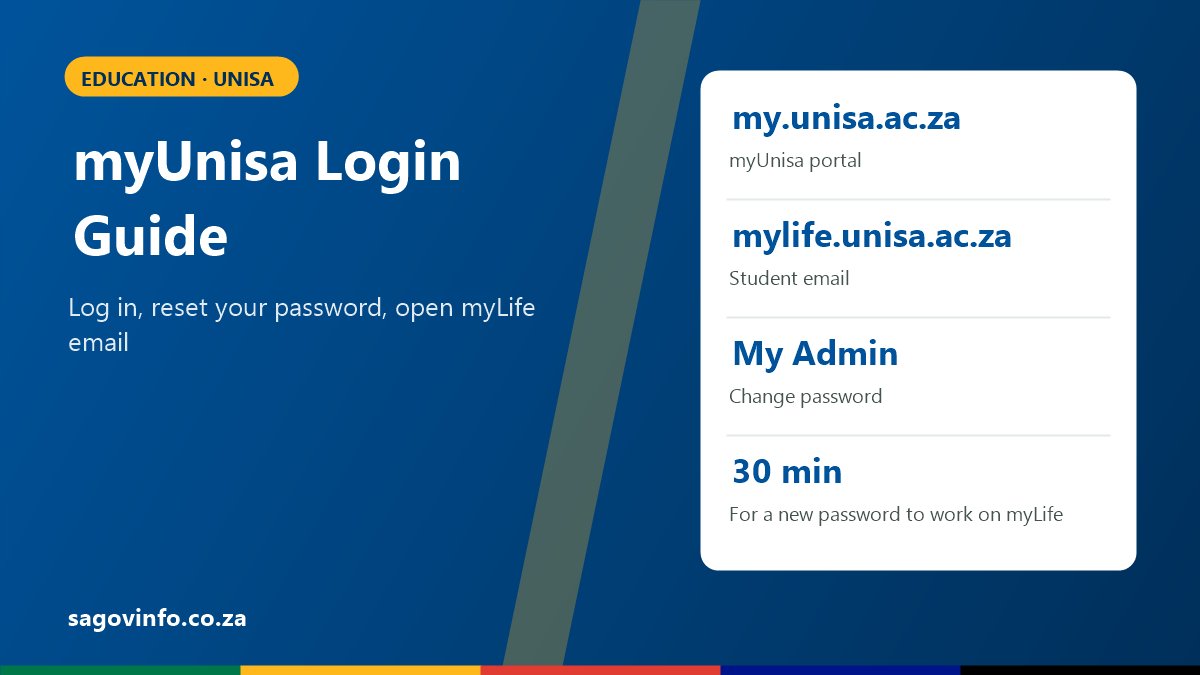
Unisa Student Systems at a Glance
| System | Website | What it is for |
|---|---|---|
| myUnisa | my.unisa.ac.za | Your modules, study material, assignments, exam information and announcements |
| myLife | mylife.unisa.ac.za | Your official Unisa student email (a Microsoft 365 account) |
| myAdmin | myadmin.unisa.ac.za | Admin tasks, such as tracking an application and changing your password |
How to Log In to myUnisa
- Go to my.unisa.ac.za.
- Enter your Unisa student number.
- Enter your myUnisa password.
- Select “Login”.
If this is your first time, you first need to claim your myUnisa login with your student number and personal details, and create a password. This option is on the myUnisa login page.
How to Open Your myLife Student Email
After a Microsoft update, myLife can no longer be opened directly from inside myUnisa. Use these steps instead:
- Go to mylife.unisa.ac.za.
- Enter your full student email address, for example [email protected].
- Enter your myLife password and select “Sign in”.
Check your myLife email regularly. Unisa sends important messages about registration, assignments and exams there.
How to Reset Your Unisa Password
Unisa says passwords for both myUnisa and myLife can only be reset from the myUnisa portal:
- Log in to myUnisa at my.unisa.ac.za.
- Click “My Admin”.
- Click “Change Password”.
- Complete the form with your new password.
The new password works for both myUnisa and myLife. At busy times, it can take about 30 minutes before it works on myLife.
If Your Login Still Does Not Work
| Problem | What to try |
|---|---|
| myLife says the password is wrong | Change your password in myUnisa (My Admin), wait 30 minutes, then try myLife again |
| You have never logged in before | Use the option to claim your login on the myUnisa page first |
| myLife still does not work after a reset | Email Unisa’s myLife helpdesk at [email protected] with your student number |
| You are not registered yet | myUnisa modules only appear after you register for the academic year |
Never give your password to anyone, even if they say they are from Unisa, and only type it on the my.unisa.ac.za and mylife.unisa.ac.za websites.
myUnisa Questions
What is the myUnisa login website?
my.unisa.ac.za. Log in with your student number and password.
How do I log in to my Unisa student email?
Go to mylife.unisa.ac.za and sign in with your full address, such as [email protected], and your myLife password.
How do I reset my Unisa password?
Log in to myUnisa, go to My Admin and choose “Change Password”. The new password works for myUnisa and myLife.
Why is my new password not working on myLife?
At busy times, a new password can take about 30 minutes to work on myLife.
Who do I contact if myLife does not work?
Email [email protected].
More: Unisa applications 2027, NSFAS status check and bursaries 2027.