
SARS eFiling Registration: How to Register and Log In
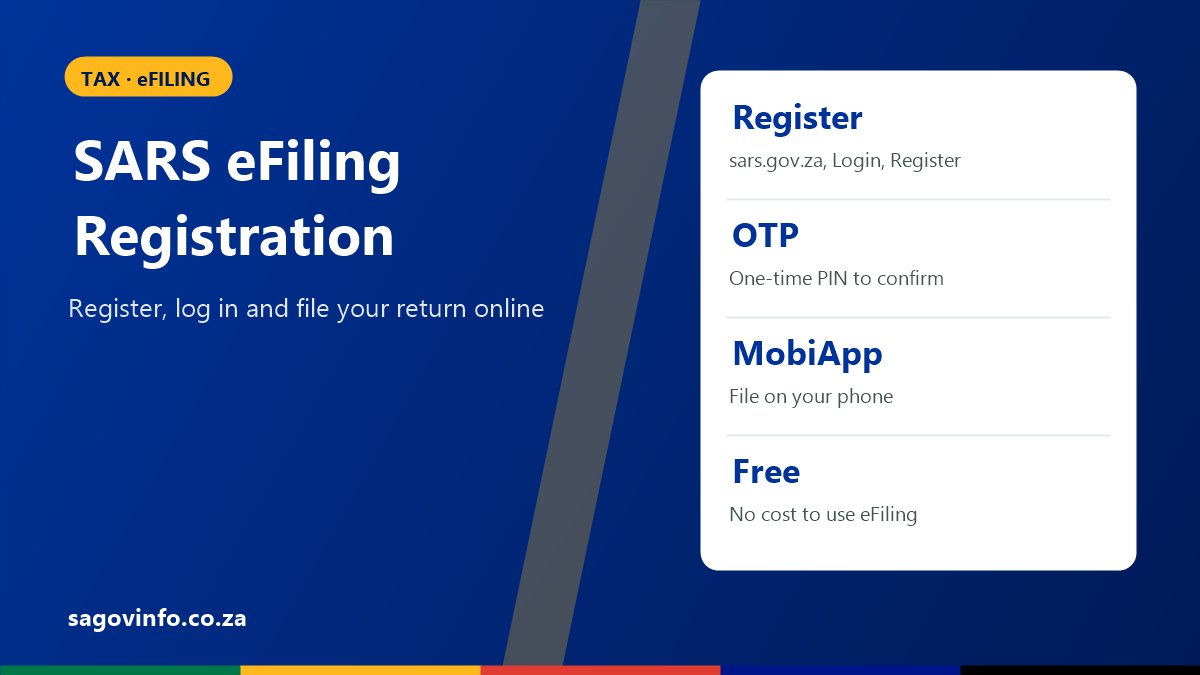
eFiling is SARS’s free online service. You can use it to file your tax return, see your Notice of Assessment, check what you owe or what SARS owes you, and upload supporting documents.
What You Need Before You Start
- Your South African ID number (or passport details).
- A cellphone number and an email address that you use.
- Your tax reference number, if you have one. If you do not, SMS 47277 or dial *134*7277# to request it.
How to Register for eFiling: Step by Step
- Go to the SARS website, sars.gov.za.
- Click Login, then choose Register.
- Enter your personal details, such as your name and ID number.
- Enter your cellphone number and email address.
- Choose a username and a strong password.
- Submit the registration.
- Enter the one-time PIN (OTP) that SARS sends to your phone or email.
Keep your login details private. Write your username down somewhere safe.
How to Log In to eFiling
- Go to sars.gov.za and click Login.
- Enter your username and password.
- Enter the one-time PIN SARS sends you. eFiling uses this extra check for your safety.
You can also download the SARS MobiApp and log in with the same username and password.
Forgot Your eFiling Username or Password?
On the SARS login page, choose Forgot Username or Forgot Password and follow the steps. SARS sends a one-time PIN to the cellphone number or email address it has on record. If your contact details have changed, update them with SARS first.
What You Can Do on eFiling
| Task | Where on eFiling |
|---|---|
| File your income tax return (ITR12) | Returns |
| See your Notice of Assessment (ITA34) | Returns, then your tax year |
| See what you owe or what SARS owes you | Statement of Account |
| Upload supporting documents | Your return, after SARS asks |
| Update your contact details | Your profile |
Tips for Filing on eFiling
- Check the prefilled numbers against your IRP5 and certificates before you submit.
- File early. The 2026 deadline for most salary earners is 23 October 2026. See the SARS tax season 2026 deadline.
- If eFiling is busy, try again early in the morning or late at night.
Stay Safe
SARS will never ask for your eFiling password or one-time PIN by email, SMS, social media or phone. Only log in by typing sars.gov.za yourself.
SARS eFiling Questions
Is SARS eFiling free?
Yes. Registering for and using eFiling is free.
Can I register for eFiling without a tax number?
You can get your tax number from SARS first by SMS to 47277 or USSD *134*7277#. It is the easiest way to link your eFiling profile to your tax record.
What if I forgot my eFiling password?
Choose Forgot Password on the SARS login page and follow the one-time PIN steps.
Can I use eFiling on my phone?
Yes. Download the SARS MobiApp and log in with your eFiling username and password.
Who do I contact for eFiling help?
Call the SARS contact centre on 0800 00 7277. See all SARS contact numbers.
3 Comments
Comments are closed.