
How to Check Traffic Fines Online in South Africa (AARTO 2026 Update)
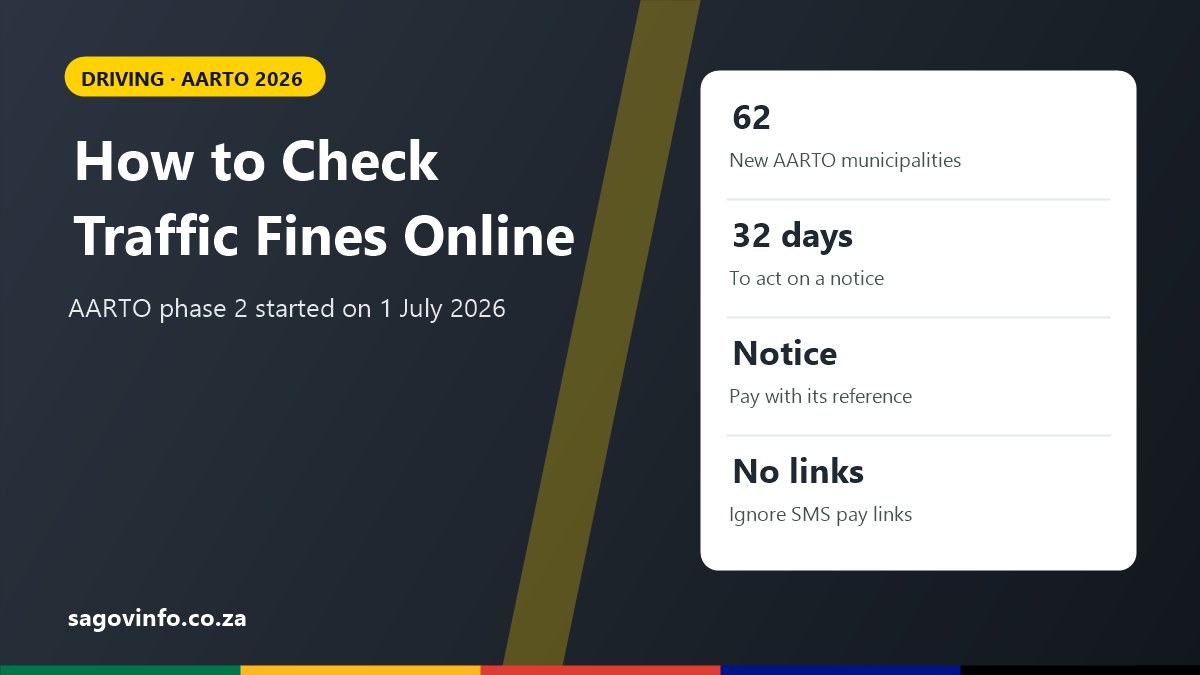
South Africa is in the middle of a big change to how traffic fines work. The AARTO system expanded to 62 more municipalities on 1 July 2026. This page explains how to find out if you have outstanding fines, how to pay or dispute them, and why it matters before you renew your licence disc.
Which System Issued Your Fine?
| If your fine says… | It is probably… | Where to check and pay |
|---|---|---|
| “Infringement notice” and mentions AARTO or the RTIA | An AARTO fine | RTIA channels, or the payment options on the notice |
| “Notice in terms of section 341” or “section 56”, Criminal Procedure Act | A fine under the older criminal procedure system | The municipality or metro that issued it, or the payment platform printed on the notice |
| Issued by a provincial traffic department | Depends on the province and area | The contact and payment details on the notice |
The fine itself is the best guide. It names the issuing authority, the reference number and how to pay.
What Changed With AARTO in 2026?
The Administrative Adjudication of Road Traffic Offences (AARTO) Act moves most traffic offences from the criminal courts to an administrative process run by the RTIA.
- AARTO was first used in the City of Johannesburg and the City of Tshwane.
- Phase 2 started on 1 July 2026, covering 62 local and metropolitan municipalities. It went ahead after the High Court in Pretoria struck the South African Local Government Association’s urgent application off the roll on 30 June 2026.
- Further phases are planned to bring in the rest of the country.
- The AARTO Act also provides for a points demerit system, which adds points to a driver’s record for offences.
Because the rollout is happening in phases, your area may already be on AARTO, or may still use the older system. Check the notice you received, or ask your local traffic department.
How to Check AARTO Traffic Fines
You can check AARTO infringements issued against your name through the RTIA. The RTIA’s channels include its website, rtia.co.za, its call centre and AARTO service outlets.
To check, you usually need:
- your ID number, and
- your driving licence number or the vehicle registration number.
Your options after an AARTO infringement notice
Under the AARTO process, you can generally choose to:
- Pay the fine. Paying within 32 days of the notice usually gives a discount on the amount. The notice shows the discounted amount and the due date.
- Apply to pay in instalments, if you cannot pay at once.
- Make a representation if you believe the fine is wrong, for example if it is the wrong vehicle or you were not the driver.
- Nominate the driver if someone else was driving your vehicle.
If you do nothing, a courtesy letter is sent, and the discount falls away. If you still do nothing, an enforcement order can be issued. An enforcement order can stop a driving licence or licence disc from being issued to you until the matter is settled.
How to Check Municipal and Metro Traffic Fines
Fines that are not under AARTO are handled by the municipality or metro that issued them. You can usually check them:
- on the city’s official website or e-services portal,
- on the payment platform named on the fine, such as payCity, or
- in person at the city’s traffic fines office, with your ID and the notice.
If you are not sure which city issued a camera fine, look at the location and authority printed on the notice.
Can you check fines with only your ID number?
Some official and private platforms allow a search by ID number or vehicle registration number. Private fine-checking services can be convenient, but they are not government services. Read what they charge before you pay through them.
How to Pay a Traffic Fine Safely
- Pay only with the reference number on the official notice.
- Use the payment methods printed on the notice, the city’s official website, or the RTIA for AARTO fines.
- Keep proof of payment until the fine shows as paid.
- Pay before the due date to keep any discount and avoid extra fees.
Watch Out for Fake Traffic Fine Messages
Scammers send SMS and WhatsApp messages saying you have an urgent outstanding fine, with a link to pay “immediately”. Signs of a scam:
- the message has a link to an unfamiliar website,
- it threatens arrest or a blocked licence within hours,
- it asks for card details, a one-time PIN or your banking app password.
Do not click the link. Check your fines through the official channels on this page instead.
Why Check Your Fines Before Renewing Your Licence Disc?
In AARTO areas, an enforcement order can block your licence disc or driving licence renewal. Clearing fines first can save you a wasted trip to the licensing office. See our guide to licence disc renewal and our guide on how to renew a driving licence.
If you are a foreign national without a South African ID, fines and vehicle records are linked to your Traffic Register Number.
Traffic Fines Questions
How do I check if I have traffic fines in South Africa?
Check with the authority that issued the fine. For AARTO fines, use the RTIA’s channels. For municipal fines, use the city’s website or the payment platform printed on the notice.
Is AARTO active in my area?
AARTO Phase 2 started on 1 July 2026 in 62 municipalities, after earlier implementation in Johannesburg and Tshwane. Other areas will follow in later phases. Your notice will show whether it was issued under AARTO.
Do I get a discount if I pay an AARTO fine early?
Under the AARTO process, paying within 32 days usually gives a discount. The amount and due date are on the notice.
Can an unpaid fine stop me from renewing my licence?
Yes, in AARTO areas. An enforcement order can stop a licence disc or driving licence from being issued until the fine is settled.
Is an SMS about a traffic fine real?
It may be fake. Never pay through a link in a message. Use the reference number on the official notice and pay through an official channel.
2 Comments
Comments are closed.